
Implementing our AI suggest tool
January 12, 2026
Published by Myles Smith
What goes into building AI based features?
The opportunity
One of our main aims at BrightHR is to empower users with features that leverage emerging technologies. In today's world, AI tools are rapidly changing how we interact with digital services and their utility cannot be ignored. This poses a challenge for anyone that works with consumer-facing software; how do we harness this new technology, and more importantly, how can we use it to drive value for our users?
These questions formed the basis for our first in-product implementation of AI. The goal was to create a simple tool that would help form a playbook for AI-based features, whilst also providing genuine user value. Our UX team took the lead here by analysing existing journeys within our product to identify opportunities. This approach allowed us to introduce AI to areas that already had active users, providing a good test bed for the technology.
The solution
The UX team found that we have a couple of form-based journeys where users have to manually write large bodies of text for details/descriptions fields. We therefore set out to make an AI text-gen tool that would reduce this burden and offer users assistance with the writing process.
Text-gen seemed like a good starting point as it is a popular application of AI. People are already accustomed to asking ChatGPT to draft emails, for example, making it a reliable use of the technology that users are familiar with.
Model selection
Our first task was to identify a suitable LLM (large language model) for the job. This entailed assessing the models available to us via Cloudflare’s AI Workers platform (which we used for implementation). We focused on finding a highly intelligent model, as this is crucial for generating coherent text. Response speed was also important to ensure a good experience for our users. Several models were compared using resources like Artificial Analysis and Hugging Face, and after testing, a clear frontrunner emerged based on our criteria.
Prompting
With our chosen LLM locked in, we began to focus on facilitating interactions between users and the model.
We started by creating a system prompt for each implementation, which outlined the model’s role. In our use cases, this included acting as a recruitment assistant that wrote job postings, and a line manager that provided detail for employee goals. The system prompts primarily focused on illustrating how the AI should assist users, but we also found that it was important to provide contextual guidelines here such as output format, user territory and response length.
Once we finalised our system prompts, we began crafting user prompts. These prompts used information provided by users to define specific tasks for the model to complete (in line with its system prompt). For example, our recruitment implementation leveraged the user prompt to convey details that the model could generate a job description from.
Tailoring these prompts carefully allowed us to obtain consistent and accurate responses from the LLM.

Frontend implementation
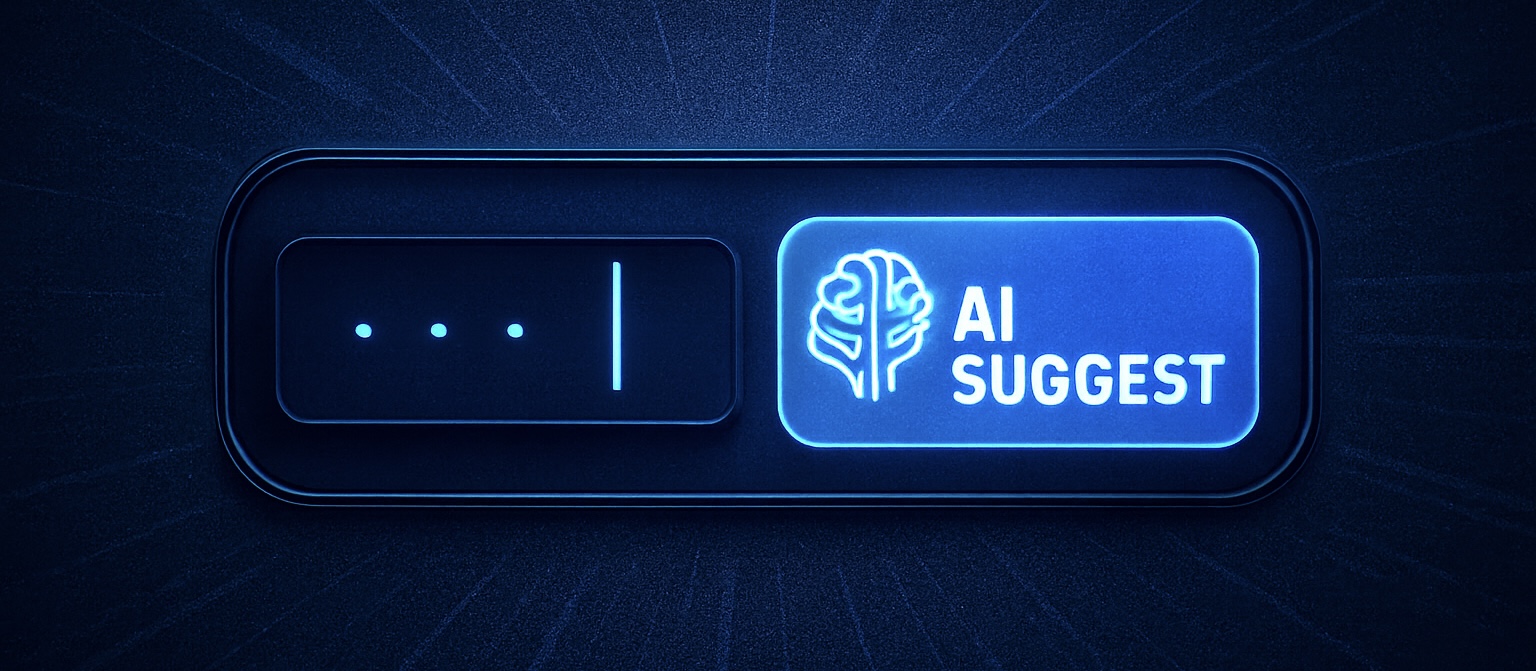
After finalising our prompts, we shifted our focus to implementing a user interface. From a UX perspective, the goal was to maintain the flow of existing journeys while providing an easy means of requesting AI assistance. This was achieved by implementing a simple ‘AI Suggest’ button within our forms. When clicked, the button passes information input by users to our prompts. This approach allowed us to enhance existing journeys without disrupting their original implementations.
From an engineering perspective, we put an emphasis on creating a re-usable solution. Cloudflare’s Workers AI platform provided a solid foundation for our implementation, allowing us to develop a modular framework that can easily be applied to other areas of the product. By taking the time to ensure the code was versatile, we established a strong basis for any future AI text-gen implementations.
The future
This project has succeeded in its goals of improving user experience and exploring how we can utilise AI in our product, but it only marks the start of our efforts. AI presents many opportunities at BrightHR, whether that be via improving existing features or introducing new ones. The whole team is excited to explore these possibilities as we strive to create exceptional software that empowers our users.


Registered Office: Bright HR Limited, The Peninsula, Victoria Place, Manchester, M4 4FB. Registered in England and Wales No: 9283467. Tel: 0844 892 3928. I Copyright © 2024 BrightHR